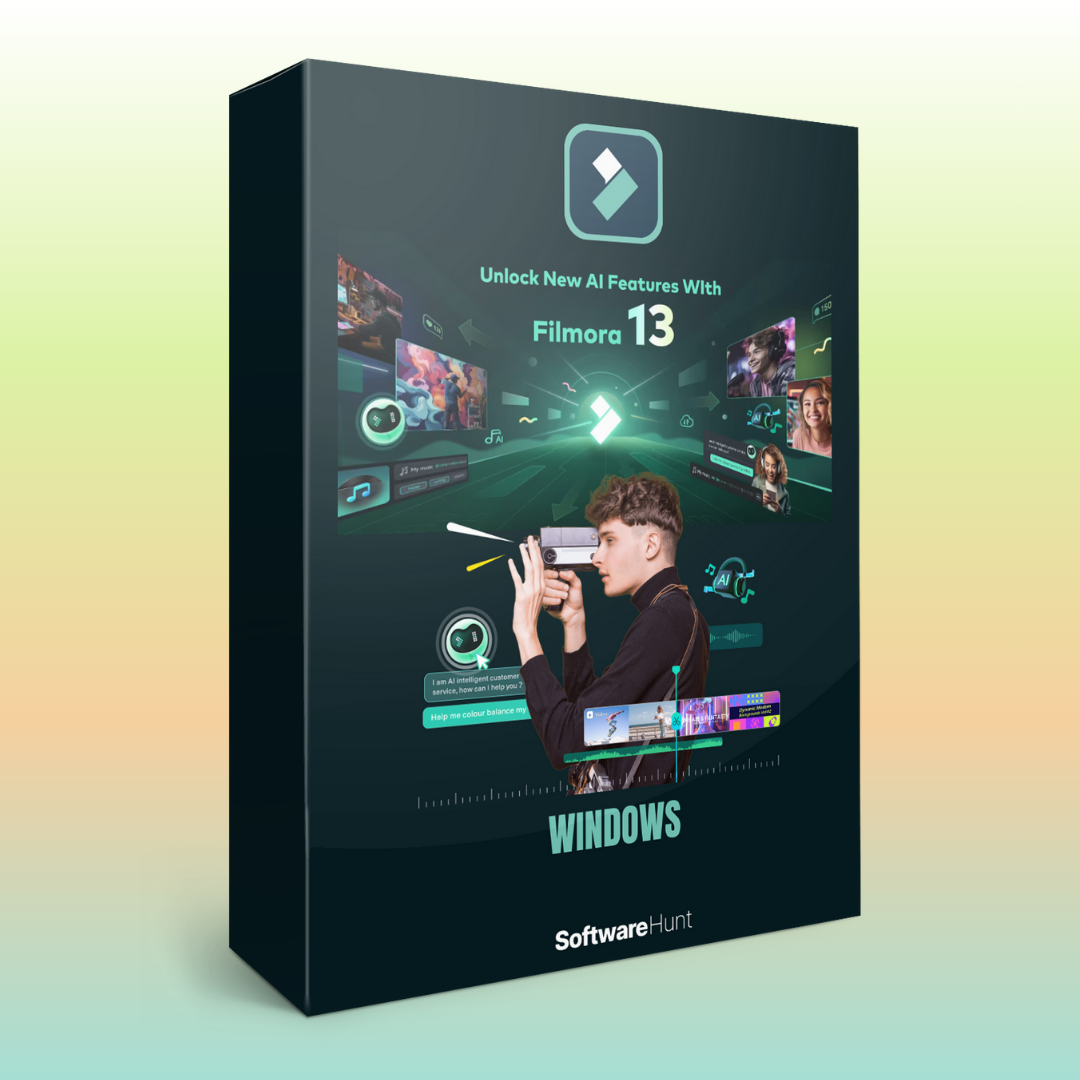
Wondershare_Filmora_13
Original price was: ₹999.00.₹199.00Current price is: ₹199.00.
Wondershare Filmora 13 is a popular video editing software that is known for its user-friendly interface, powerful features, and affordability. It caters to both beginner and advanced users, offering a range of tools to create professional-quality videos with ease. Here are the key features of Wondershare Filmora 13:
1. User-Friendly Interface
- Easy-to-Navigate UI: Filmora 13 has a clean and intuitive interface that allows users to quickly get familiar with the software, making it accessible for beginners.
- Drag-and-Drop Editing: Users can easily drag and drop media files, transitions, effects, and audio to the timeline for efficient editing.
2. Advanced Editing Tools
- Multi-Track Timeline: Support for multiple video, audio, and image tracks in the timeline, allowing users to create complex video projects.
- Split, Trim, and Crop: Precise tools for cutting, trimming, and cropping clips to adjust the length and focus of your video.
- Speed Control: Adjust the playback speed of clips for slow-motion or time-lapse effects.
3. AI-Powered Features
- AI Portrait: Use AI to separate subjects from their backgrounds, create custom cutouts, and apply stylized effects.
- AI Audio Denoise: Automatically remove background noise from audio clips for clear sound quality.
- AI Scene Detection: Filmora 13 can detect and automatically split video scenes, making editing more efficient.
4. Visual Effects and Filters
- Built-in Effects Library: A wide selection of professional effects, transitions, and filters to enhance your videos. Options include cinematic effects, vintage styles, and more.
- Green Screen (Chroma Key): Replace or manipulate backgrounds using the green screen tool for creative video effects.
- Motion Elements: Add animated graphics, titles, and dynamic text to videos to make them more engaging.
5. Text and Title Tools
- Customizable Titles: Create and customize dynamic text effects for titles, captions, and lower-thirds.
- Text Animations: Use built-in text animations or create your own to add movement to your text.
- Handwriting Tool: Add handwriting-style text for a personalized effect.
6. Audio Editing Tools
- Audio Mixer: Adjust audio levels and balance for different tracks.
- Background Music Library: Access to a library of royalty-free music tracks to use in your videos.
- Voiceover Recording: Record voiceovers directly in the software, making it easy to narrate and sync audio with your video.
- Audio Equalizer: Fine-tune audio frequencies with an integrated equalizer for more control over sound.
7. Video Transitions and Motion Graphics
- Smooth Transitions: Apply professional-grade transitions between video clips to ensure a smooth flow between scenes.
- Motion Graphics: Access an array of animated graphics to overlay on videos, including lower thirds, pop-ups, and more.
8. 3D LUT (Look-Up Table)
- Color Grading: Apply 3D LUTs for professional color correction and stylized color effects to give your video a polished, cinematic look.
- Manual Color Controls: Adjust brightness, contrast, saturation, and other color settings for complete control over your video’s appearance.
9. 360° Video Editing
- 360-Degree Video Support: Edit 360° videos with ease, including features like rotating, adjusting perspective, and applying effects.
- 360° Video Stabilization: Stabilize shaky 360° video footage to make the viewing experience smoother.
10. Multi-Camera Editing
- Multi-Cam Editing: Sync and edit footage from multiple cameras simultaneously, great for interviews, events, or music videos with different angles.
11. Export and Sharing Options
- High-Quality Output: Export videos in 4K resolution for the best quality.
- Multiple Formats: Export videos in various formats, including MP4, MOV, AVI, and more, to ensure compatibility with different devices and platforms.
- Direct Sharing to Social Media: Share your videos directly to YouTube, Vimeo, Facebook, and other social media platforms without leaving the software.
- Custom Export Presets: Create export presets for specific devices or platforms to speed up the export process.
12. Advanced Video Stabilization
- Smooth and Stabilize Shaky Footage: Filmora 13 includes an advanced video stabilization feature that can reduce or eliminate shakiness in handheld footage.
13. Screen Recording
- Record Screen and Webcam: Capture screen recordings with options to record system audio, microphone input, or both. Great for tutorials or presentations.
- Picture-in-Picture: Overlay webcam footage over your screen recording to create engaging video content.
14. Support for Multiple File Formats
- Wide Format Support: Import and export a wide range of file formats for videos, images, and audio, including HEVC (H.265), MP4, MKV, MOV, MP3, and many others.
15. Cloud Project Saving
- Save Projects to the Cloud: Store your project files on the cloud and access them from any device, making it easier to work on your videos from multiple locations.
16. Batch Export
- Export Multiple Projects at Once: Filmora 13 allows you to export several videos simultaneously, saving time during the final rendering process.
17. Keyframe Animation
- Keyframing: Use keyframes to create custom animations for video clips, text, images, and audio. Adjust position, size, rotation, opacity, and more for sophisticated animations.
18. Multilingual Support
- Multiple Language Options: Filmora 13 supports multiple languages, making it accessible to users around the world.
Wondershare Filmora 13 provides a wide array of tools and features, making it a versatile and accessible video editing software for both beginners and advanced users. From its powerful AI features, real-time collaboration, and robust editing tools to advanced options like color grading, multi-camera editing, and 360° video support, Filmora 13 stands out as an all-in-one solution for video creation and editing.
Reviews
There are no reviews yet.