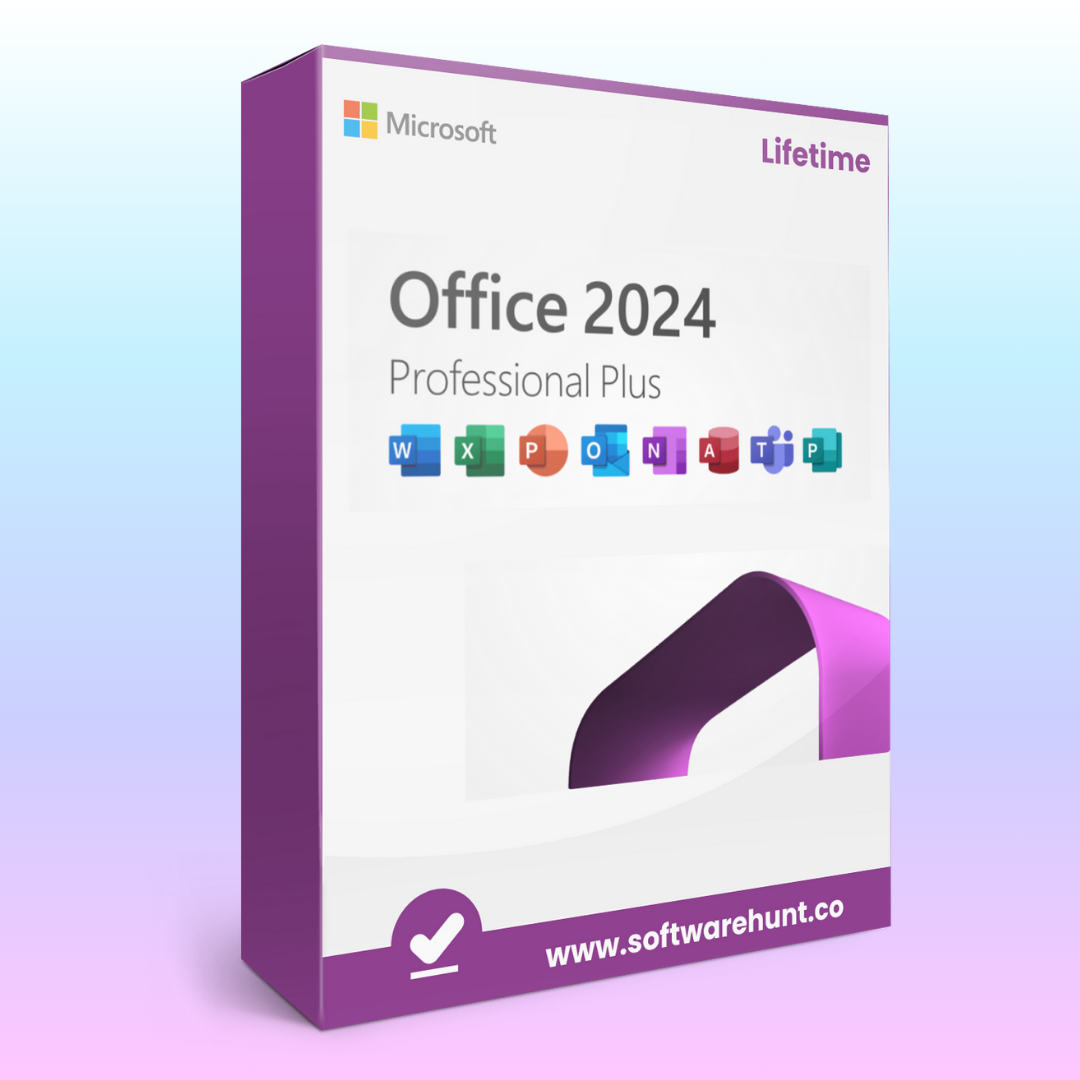
Microsoft_Office_2024
Original price was: ₹999.00.₹199.00Current price is: ₹199.00.
Microsoft Office is a suite of productivity tools that includes various applications, each with its unique features tailored to different work tasks such as document creation, data management, presentations, and communication. Below are the key features of Microsoft Office, particularly focusing on its core applications like Word, Excel, PowerPoint, Outlook, and more.
1. Microsoft Word (Word Processing)
- Document Creation: Create, edit, and format text documents with rich formatting options like fonts, headings, bullets, and numbering.
- Collaboration: Multiple users can collaborate on the same document simultaneously in real-time with comments and track changes.
- Templates: A wide range of professional document templates for letters, resumes, newsletters, and more.
- Smart Lookup: Provides instant access to online resources, definitions, and information from within Word.
- Spell and Grammar Check: Built-in tools for grammar and spell check, with suggestions for better writing.
- Voice Dictation: Dictate text directly into Word using voice-to-text technology.
- Cloud Integration: Save and access documents in OneDrive, enabling cloud-based access and sharing.
2. Microsoft Excel (Spreadsheet Management)
- Data Analysis and Management: Create and manipulate spreadsheets with formulas, functions, and pivot tables for analyzing large sets of data.
- Charts and Graphs: Visualize data using bar charts, line graphs, pie charts, and other visual tools.
- Conditional Formatting: Highlight data based on specific criteria, making trends or key figures stand out.
- Data Validation: Ensure data consistency by setting up rules for data entry.
- Advanced Functions: Includes advanced functions like VLOOKUP, SUMIF, and INDEX/MATCH for more complex data analysis.
- Power Query and Power Pivot: Tools for transforming and analyzing large datasets from various sources.
- Collaboration: Real-time collaboration for editing and sharing spreadsheets with colleagues.
3. Microsoft PowerPoint (Presentation Software)
- Slide Design and Templates: Pre-designed templates for creating visually appealing presentations with dynamic layouts.
- Animations and Transitions: Add animations and transitions to slides, text, and objects for more engaging presentations.
- Presenter Tools: Presenter View to display notes and slide previews during presentations, while the audience only sees the current slide.
- Multimedia Integration: Insert videos, audio, and interactive elements to enrich presentations.
- Collaborative Features: Share presentations with others for real-time editing and feedback.
- Smart Art and Charts: Automatically create diagrams and charts for a more polished visual representation of data.
- Export to Video: Convert your presentation into a video file for easy sharing or uploading.
4. Microsoft Outlook (Email and Calendar Management)
- Email Management: Send, receive, and organize emails with advanced filtering and categorization options.
- Calendar and Scheduling: Sync your calendar to schedule appointments, meetings, and reminders, and invite others to join.
- Task Management: Manage tasks and to-do lists within the same interface as emails and calendar events.
- Collaboration: Share calendars, schedule meetings, and collaborate on shared tasks and documents.
- Clutter and Focused Inbox: Automatically filters low-priority emails into a separate folder to help you stay focused on important messages.
- Search Functionality: Advanced search capabilities to quickly find specific emails or calendar events.
- Integration with Teams and OneDrive: Easily share documents and collaborate with colleagues via Microsoft Teams and OneDrive.
5. Microsoft OneNote (Note-Taking Application)
- Digital Notebooks: Create digital notebooks with different sections and pages to organize notes, ideas, and research.
- Multimedia Support: Embed text, images, audio, and even video within notes.
- Handwritten Notes: Use a stylus or touch screen to take handwritten notes.
- Collaboration: Share notebooks with others for real-time collaboration on notes.
- Tagging and Searching: Tag important notes and use a powerful search feature to find information quickly.
- Cloud Syncing: Automatically sync notes across all devices using OneDrive.
6. Microsoft Access (Database Management)
- Database Creation: Design and manage databases with tables, queries, and forms to store and retrieve information efficiently.
- Data Analysis and Reporting: Create reports and dashboards from your data, allowing you to visualize insights.
- Customizable Forms: Create forms for easy data entry and reporting.
- Integration with Other Office Apps: Easily integrate with Excel, Word, and other Office applications for exporting and analyzing data.
7. Microsoft Publisher (Desktop Publishing)
- Professional Design Tools: Create brochures, newsletters, flyers, and other marketing materials using pre-made templates.
- Easy Image and Text Integration: Drag and drop images and text into designs with easy-to-use layout tools.
- Advanced Print Options: Print high-quality designs or create PDFs for sharing.
8. Microsoft Teams (Communication and Collaboration)
- Team Communication: Chat, send messages, or make voice/video calls within teams or with individual contacts.
- File Sharing: Share files and collaborate on documents in real-time using Microsoft Office apps.
- Meeting Scheduling: Schedule and host video or audio meetings, integrate with Outlook for seamless scheduling.
- Integration with Other Microsoft Apps: Access Word, Excel, PowerPoint, OneNote, and other Office apps directly from Teams.
9. Microsoft OneDrive (Cloud Storage)
- Cloud Storage: Store and back up files in the cloud, making them accessible from any device.
- Syncing Across Devices: Automatically sync files across computers, tablets, and smartphones.
- File Sharing: Share files with others by sending links, with permissions for viewing or editing.
- Collaboration: Work on documents simultaneously with others in real time.
10. Microsoft Excel Power Query & Power Pivot
- Data Transformation: Power Query allows for data extraction, transformation, and loading from various sources into Excel.
- Data Modeling: Power Pivot provides advanced data modeling features to create relationships between tables, perform complex calculations, and build business intelligence models.
11. Microsoft Visio (Diagramming Tool)
- Diagram Creation: Design flowcharts, organizational charts, network diagrams, and other visual representations of processes or systems.
- Templates and Shapes: Use professional templates and shapes to create precise diagrams with ease.
- Real-Time Collaboration: Share Visio diagrams with others for simultaneous editing.
12. Microsoft Planner (Task Management)
- Task Assignment: Create tasks, assign them to team members, and track progress with visual boards.
- Due Dates and Deadlines: Set deadlines, reminders, and checklists to ensure tasks are completed on time.
- Collaboration: Team members can update task statuses, add comments, and share files.
Additional Features:
- Cloud-Based Versions (Office 365): Microsoft Office 365 offers cloud-based versions of its apps with additional storage and collaborative features.
- Security Features: Advanced security features like data encryption, two-factor authentication, and anti-malware protection for protecting files and data.
- Cross-Platform Availability: Microsoft Office apps are available on Windows, Mac, and mobile devices (iOS and Android).
Microsoft Office provides a comprehensive suite of tools designed to handle a variety of tasks, from document creation to data analysis and communication. Its integration with cloud services like OneDrive and Microsoft Teams makes it an essential tool for collaboration and productivity in both professional and personal settings.
Reviews
There are no reviews yet.