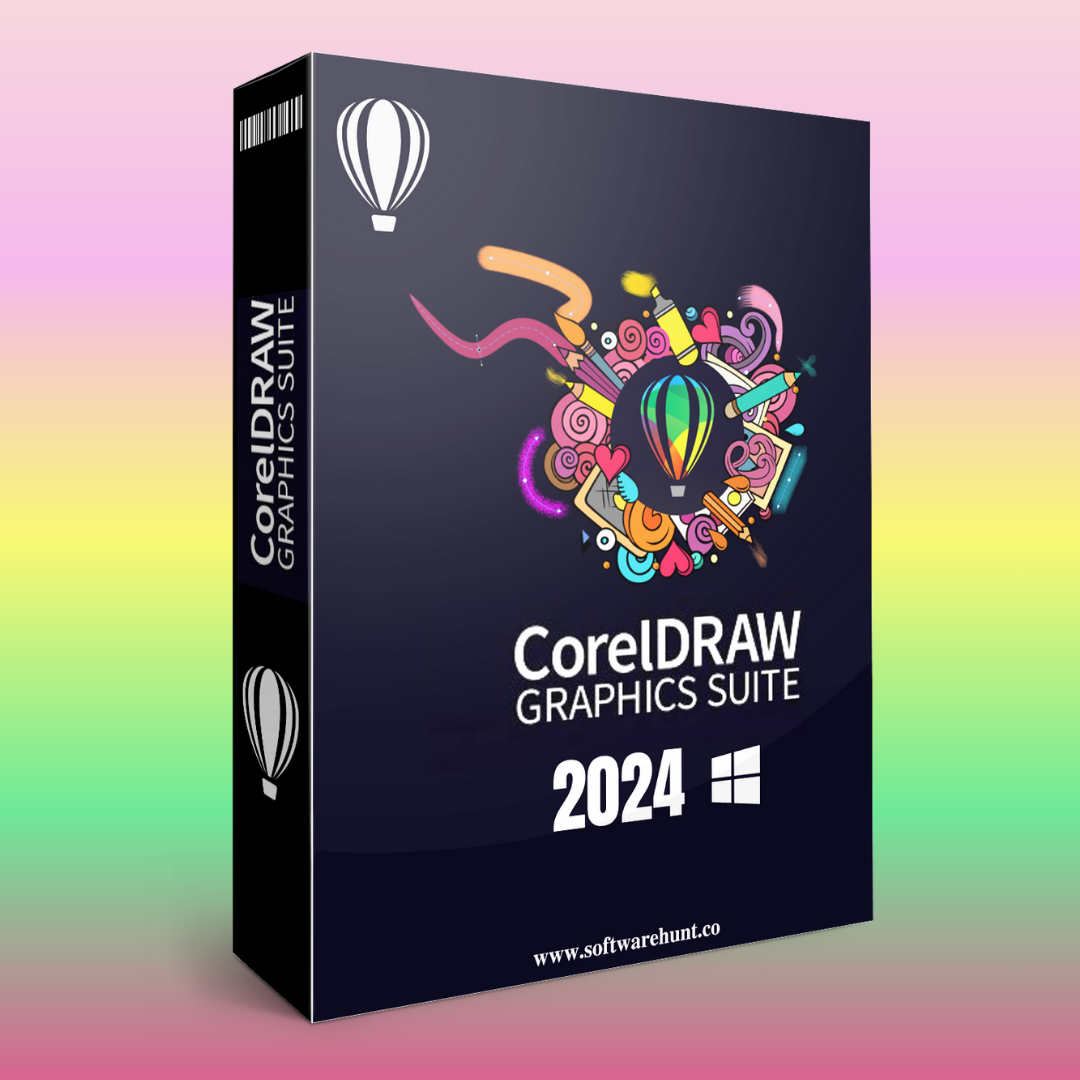
CorelDRAW Graphics Suite 2024
Original price was: ₹999.00.₹99.00Current price is: ₹99.00.
CorelDRAW Graphics Suite is a powerful collection of graphic design software tools used for vector illustration, layout design, photo editing, typography, and more. It is widely used by professional designers, illustrators, and businesses for creating logos, brochures, websites, advertisements, and other design elements. Below are the key features of CorelDRAW Graphics Suite:
1. Vector Illustration
- Precise Vector Tools: Create scalable vector graphics with tools that provide fine control over lines, shapes, curves, and paths.
- Bezier and Pen Tools: Use advanced Bezier curves and the Pen Tool for creating custom shapes and complex vector illustrations.
- Live Sketch Tool: Draw naturally with a stylus, and the software automatically converts your sketch into a vector.
- Interactive Contour Tool: Easily apply contours to objects and text, with the ability to adjust and edit them in real-time.
2. Photo Editing and Image Manipulation
- Powerful Photo Editing Tools: Edit photos using advanced features such as exposure adjustments, color correction, lens correction, and more.
- Non-Destructive Editing: Apply adjustments and effects without permanently altering the original image.
- Healing Clone Tool: Easily remove blemishes or unwanted objects from photos by blending the surrounding area.
- Effects and Filters: Add creative effects and filters to photos, including artistic effects, blur, sharpen, and noise reduction.
- Advanced Masking: Create complex masks to isolate parts of an image for editing or enhancing specific areas.
3. Typography Tools
- Extensive Font Library: Access a wide range of fonts or install custom fonts for a unique typographic experience.
- Text on a Path: Create text that follows a path, which is useful for wrapping text around objects or creating logos and banners.
- Advanced Text Tools: Adjust character spacing, line height, and paragraph formatting for precise typography.
- Type Styles: Apply predefined styles for consistent and professional-looking typography throughout your designs.
4. Page Layout and Design
- Multi-Page Document Support: Work with multi-page layouts, ideal for brochures, newsletters, and multi-page advertisements.
- Master Pages: Create reusable page templates to maintain consistency across pages.
- Grid and Guideline Tools: Utilize grids, rulers, and guidelines to precisely align and position elements on the page.
- Dynamic Layout Tools: Automatically adjust content for different page sizes or formats with flexible layout controls.
5. Color Management
- Advanced Color Palette: Access a broad selection of color palettes, including Pantone, CMYK, RGB, and more.
- Color Harmonies: Use color harmonies to select color schemes that work well together, such as complementary, analogous, or monochromatic.
- Spot Color Support: Create and manage spot colors, making it easier to achieve specific color goals, especially for print projects.
- Real-Time Color Adjustments: Make color adjustments on the fly with live previews.
6. Collaboration and File Sharing
- Cloud Integration: Store and share your projects through cloud services like CorelDRAW.app and other third-party platforms.
- Real-Time Collaboration: Collaborate with team members on the same design file, sharing comments, feedback, and edits instantly.
- Version History: Track different versions of your design and revert to previous versions if needed.
- File Compatibility: CorelDRAW supports a wide range of file formats (AI, PDF, EPS, PSD, TIFF, PNG, JPG, etc.) to ensure compatibility across different software platforms and industries.
7. Enhanced Performance
- 64-Bit Support: Fully optimized for 64-bit systems, offering faster performance and smoother operations when working with complex designs and large files.
- High-Resolution Displays: Support for ultra-high-definition displays and 4K monitors, ensuring crisp visuals and optimized workspace layouts.
- Multi-Core Processing: Multi-threaded processing for faster rendering, especially when working with large files or applying effects.
8. Web and App Design Tools
- Web Graphics: Create web graphics such as banners, icons, and buttons with the ability to export them in various formats for web use.
- HTML5 and CSS3 Integration: Generate web-ready content and export assets for integration into web pages.
- Responsive Design: Design flexible and responsive layouts that adapt to various screen sizes and devices.
- SVG Support: Export and import SVG (Scalable Vector Graphics) files, widely used in web and app design.
9. Print Design and Preparation
- Prepress Tools: Prepare files for print with professional prepress tools, including bleed, crop marks, and color separations.
- PDF Export and Optimization: Export projects in high-quality PDF formats with options for compression and optimization for print and digital media.
- Overprint Preview: Preview how overprint settings will appear on your final printed design.
- Advanced Print Controls: Set up precise print settings, including color profiles, resolution, and paper sizes.
10. 3D Design and Effects
- 3D Tools: Add a 3D perspective to designs, such as rotating objects or applying 3D effects.
- Interactive 3D Effects: Apply 3D effects to vector objects and manipulate their perspective interactively.
- Extrude Tool: Use the extrude tool to give vector shapes depth, creating 3D-like effects.
11. Design Templates and Assets
- Pre-Made Templates: Access a library of templates for various projects such as business cards, flyers, posters, brochures, and more.
- Design Assets: Utilize thousands of clipart, fonts, stock images, and vector illustrations to enhance your projects.
- Market Integration: CorelDRAW integrates with design marketplaces to access additional assets and resources.
12. Automation and Customization
- Scripting and Macros: Automate repetitive tasks and design processes by creating custom scripts or macros.
- Custom Workspaces: Customize your workspace layout by adjusting toolbars, panels, and menus to fit your workflow.
- Keyboard Shortcuts: Create custom keyboard shortcuts for frequently used tools and commands to speed up the design process.
13. Mobile Compatibility
- CorelDRAW.app: Access and work on your designs from anywhere using CorelDRAW.app, a browser-based version of CorelDRAW that supports basic design tasks and editing.
- Touch Screen Support: CorelDRAW is compatible with touch-enabled devices for users who prefer to design directly on their tablet or convertible laptop.
14. Illustration and Drawing Tools
- Brush and Pen Tools: A variety of brush and pen tools for creating intricate drawings and illustrations, including freehand and calligraphic strokes.
- Symbol Libraries: Use pre-defined symbols or create your own to reuse in designs for logos, icons, and branding elements.
- Pattern Creation: Easily create patterns and apply them to objects and backgrounds.
CorelDRAW Graphics Suite is a comprehensive design toolkit that offers a robust set of features for professionals working across print, digital, and web design. Whether creating detailed vector illustrations, editing photos, designing typography, or preparing files for printing, CorelDRAW offers an all-in-one solution with advanced functionality, intuitive tools, and an integrated workflow for every design need.
Reviews
There are no reviews yet.