Sale!

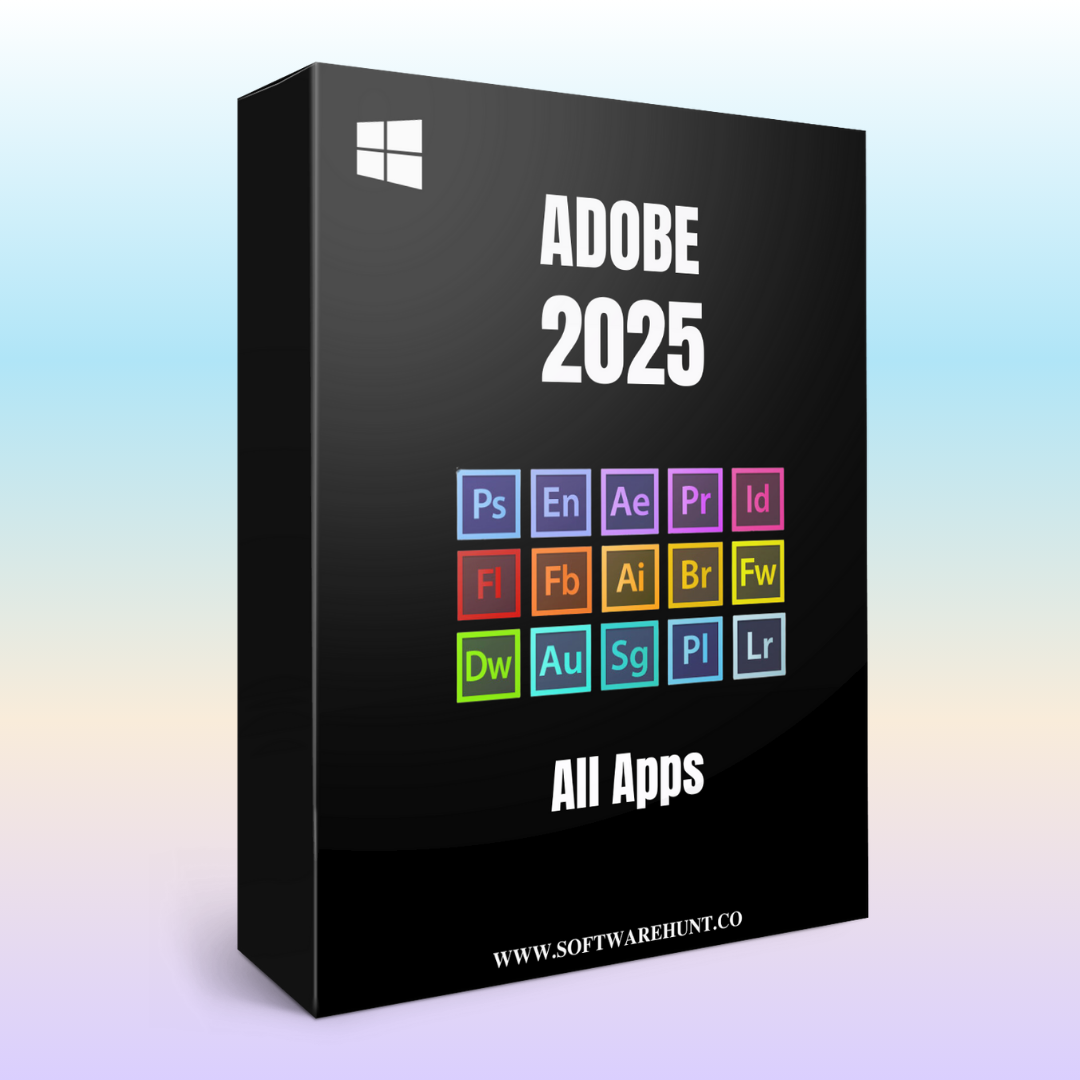
Adobe Premiere Rush
Original price was: ₹999.00.₹150.00Current price is: ₹150.00.
Adobe Premiere Rush is a streamlined video editing software designed for users who need a fast and efficient way to create high-quality videos, especially for social media and online content. Here are its key features:
1. Multi-Track Timeline
- Drag-and-Drop Editing: Easily import media and drag clips into the timeline for quick edits.
- Multi-Track Editing: Work with multiple video and audio tracks to organize and layer clips.
2. Built-in Motion Graphics Templates
- Customizable Templates: Use pre-made, customizable templates for titles, intros, and other motion graphics.
- Text and Titles: Add dynamic text, titles, and captions with simple drag-and-drop controls.
3. Audio Editing
- Auto Ducking: Automatically lower background music when there’s dialogue, making it easier to balance audio.
- Audio Cleanup: Adjust audio levels and apply basic enhancements.
- Royalty-Free Music: Access a library of music tracks that are free to use in your projects.
4. Color Correction and Grading
- Auto Color Correction: Apply automatic color adjustments to improve the look of your videos.
- Color Presets: Quickly apply color grading presets to achieve a cinematic or stylized look.
- Manual Adjustments: Fine-tune brightness, contrast, and other color properties.
5. Simple Video Trimming and Editing
- Trim and Split Clips: Cut unwanted parts from clips, split them, and rearrange clips easily.
- Speed Adjustments: Change the speed of clips for slow-motion or time-lapse effects.
6. Cloud Integration and Cross-Device Editing
- Cloud Sync: Sync your projects across devices, allowing you to work seamlessly on desktop or mobile.
- Cross-Platform: Edit projects on both desktop (Windows and macOS) and mobile (iOS and Android).
7. Easy Export and Sharing
- One-Click Export: Export videos in a variety of formats for sharing on platforms like YouTube, Instagram, and more.
- Social Media Presets: Export videos in the optimal aspect ratios for platforms like Facebook, Instagram, and TikTok.
- Direct Upload: Upload your videos directly to YouTube or other platforms from within Premiere Rush.
8. Camera and Screen Recording
- Record Directly: Capture video using your device’s camera or record your screen for tutorials and presentations.
9. Simple Transitions and Effects
- Smooth Transitions: Easily add transitions like fades and slides between clips.
- Built-in Effects: Enhance your video with built-in effects and filters for a more polished look.
10. Mobile and Desktop Editing
- Mobile App Support: Full mobile editing capabilities with touch-friendly controls for easy editing on the go.
- Voiceover Recording: Record and add voiceovers directly from your mobile device.
11. Basic Video Stabilization
- Stabilize Shaky Footage: Use the built-in stabilization tool to reduce shakiness in handheld videos.
12. Resizable Aspect Ratios for Social Media
- Social Media Optimization: Easily resize your videos for specific social media platforms (square, portrait, landscape).
13. Easy Clip Organization
- Media Management: Organize clips into bins and folders to easily navigate large projects.
14. Intuitive Interface
- User-Friendly: Premiere Rush offers an easy-to-navigate interface designed for beginners and fast workflows.
- Customizable Workspace: Organize tools and panels to fit your editing style.
Adobe Premiere Rush is ideal for content creators looking to quickly produce polished videos for online platforms, especially when time is of the essence. With its intuitive interface, cross-device editing, and essential tools for video and audio editing, it’s perfect for creators who need a streamlined solution without the complexity of professional software like Premiere Pro.
Reviews
There are no reviews yet.