Sale!

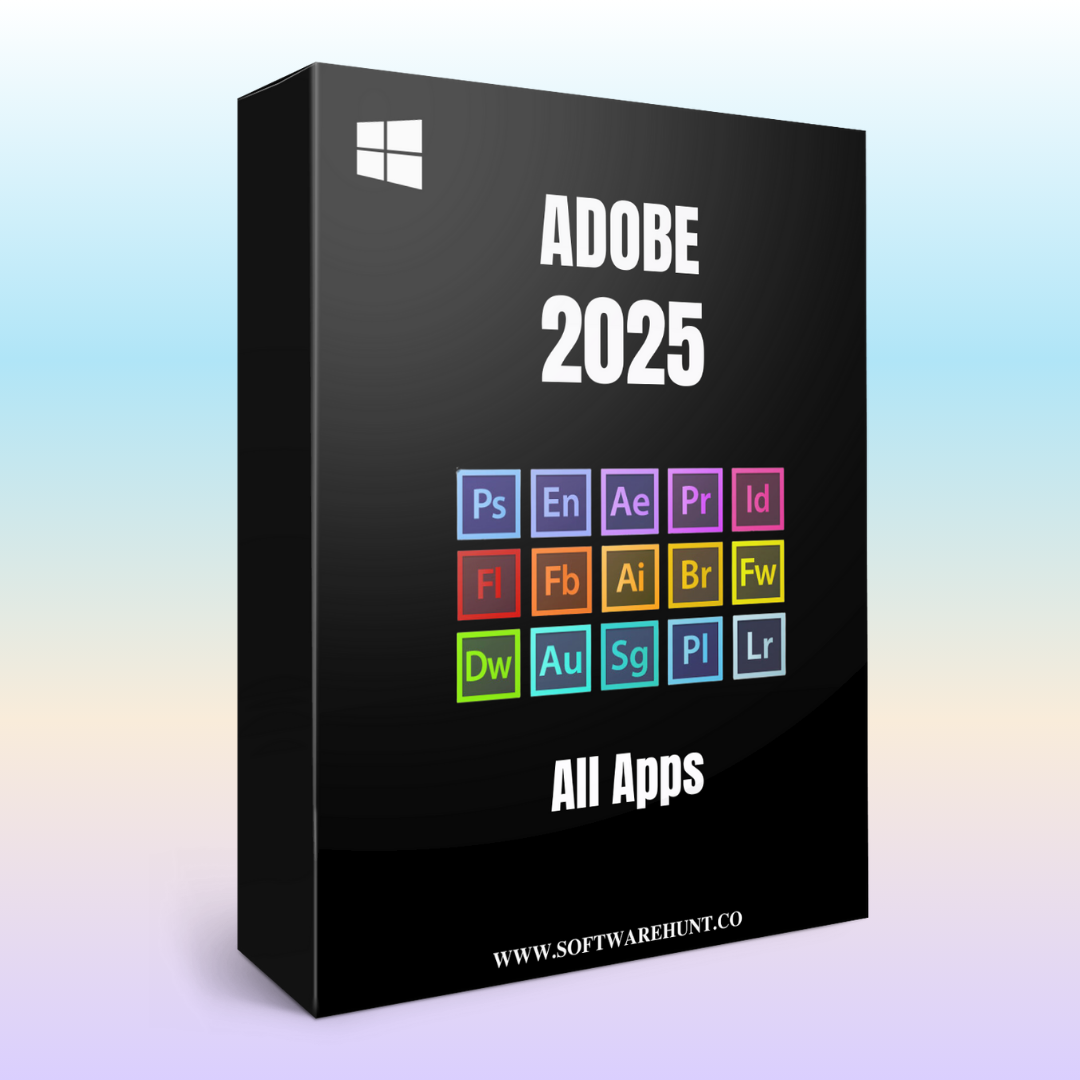
Adobe Photoshop 2024
Original price was: ₹999.00.₹199.00Current price is: ₹199.00.
Adobe Photoshop is a versatile image editing software, widely used by professionals for photo manipulation, digital painting, graphic design, and more. Here are the key features of Adobe Photoshop:
1. Advanced Editing Tools
- Layer Management: Create, organize, and manage multiple layers for non-destructive editing.
- Smart Objects: Allows for non-destructive editing and the ability to scale images or apply filters without loss of quality.
- Adjustment Layers: Apply color corrections and tonal adjustments using layers that can be modified at any time without affecting the original image.
2. Content-Aware Tools
- Content-Aware Fill: Remove unwanted objects from images and automatically fill in the space with matching content from surrounding areas.
- Content-Aware Move: Move objects within an image and intelligently fill the background to match the rest of the scene.
- Content-Aware Scale: Resize images without distorting key visual elements, such as people and objects.
3. Selection and Masking
- Object Selection Tool: Automatically select objects within an image using AI-powered recognition.
- Quick Selection Tool: Select areas of an image quickly and precisely using a brush-like tool.
- Refine Edge Brush: Improve the precision of selections, especially when working with fine details like hair or fur.
- Select Subject: Automatically detects and selects the main subject of an image with one click.
4. AI and Machine Learning Features
- Neural Filters: AI-powered filters that enhance portraits, adjust facial expressions, or change the style of images.
- Sky Replacement: Replace the sky in an image with another, automatically adjusting lighting and color to match the scene.
- Generative Fill: Powered by AI, this tool can add, remove, or alter parts of an image based on your instructions, with natural-looking results.
5. 3D Design and Textures
- 3D Text and Object Creation: Create and manipulate 3D text and objects, adding depth to your designs.
- 3D Material Editing: Apply 3D textures and adjust their properties for more realistic results.
- 3D Printing: Photoshop supports models for 3D printing, enabling users to create printable designs directly.
6. Brush and Painting Tools
- Custom Brushes: Create and customize brushes for painting, sketching, or adding texture.
- Brush Engine: A powerful brush engine that allows for the creation of realistic brush effects.
- Mixer Brushes: Blend colors and textures like traditional painting techniques for a more natural artistic result.
7. Retouching and Restoration
- Healing Brush: Removes imperfections by sampling surrounding pixels and blending them seamlessly.
- Clone Stamp Tool: Copy parts of an image to cover unwanted areas.
- Patch Tool: Repair damaged or unwanted sections of an image by blending them with nearby pixels.
- Spot Healing Brush: Automatically removes blemishes, skin imperfections, and other unwanted spots.
8. Text and Typography Tools
- Text Tool: Add and manipulate text in your images with flexible font, size, and spacing options.
- Type Styles: Use predefined text styles for consistency and quicker edits.
- Variable Fonts: Adjust multiple properties of fonts (weight, width, slant) in real-time for dynamic text editing.
9. Photo Correction and Enhancement
- Camera Raw: Adjust exposure, contrast, sharpness, and more directly within Photoshop for raw images.
- Lens Correction: Automatically correct lens distortion, chromatic aberration, and vignetting for a more accurate image.
- Noise Reduction: Remove grain and noise from low-light or high-ISO images.
- Vibrance and Saturation: Enhance the colors in an image without over-saturating or distorting skin tones.
10. Smart Filters and Effects
- Smart Filters: Apply filters to Smart Objects, allowing you to change or remove them without losing original image data.
- Gaussian Blur, Motion Blur: Apply various blurring effects for artistic results or to simulate depth of field.
- Lighting Effects: Add realistic lighting effects to simulate shadows, reflections, and highlights.
11. Video Editing Tools
- Timeline Animation: Photoshop includes a timeline to create frame-based animations, GIFs, and simple video edits.
- Layer-based Video Editing: Work with video layers and apply the same layer-based editing techniques used in still images.
12. Integration with Other Adobe Apps
- Creative Cloud Integration: Access and share assets, fonts, and other tools through Adobe Creative Cloud.
- Adobe Camera Raw: Process raw files with advanced control over exposure, color correction, and more.
- Adobe Stock: Direct access to millions of high-quality images, illustrations, and 3D assets from Adobe Stock.
13. File Formats and Exporting
- Support for Multiple File Formats: Export in various formats including JPEG, PNG, TIFF, PSD, PDF, and more.
- Export As: Choose from multiple file formats, resolutions, and sizes for optimized output for web, print, or social media.
- Export Layers to Files: Quickly export each layer of your Photoshop file as individual image files for quicker web design and UI projects.
14. Collaborative and Cloud Features
- Cloud Documents: Save your work to Adobe Cloud and access it on any device, enabling seamless collaboration and editing.
- Live Collaboration: Share documents and work on projects with others in real-time, using Adobe Cloud.
15. Enhanced Performance
- GPU Acceleration: Leverage the power of GPU for faster rendering, especially when working with large files or complex effects.
- Performance Improvements: Faster launch times, smoother performance, and more responsive tools, especially with large and complex images.
16. Automation and Scripting
- Actions and Scripts: Automate repetitive tasks by recording actions or using pre-built scripts.
- Batch Processing: Apply actions or changes to multiple files simultaneously, saving time in large projects.
17. Mobile and Tablet Support
- Photoshop on iPad: A full version of Photoshop is available on the iPad, with touch-based controls and compatibility with Apple Pencil.
- Cloud Sync: Sync your files across devices, allowing you to start editing on one device and continue on another.
These features make Adobe Photoshop an essential tool for photographers, graphic designers, illustrators, and digital artists, offering powerful editing tools and creative possibilities for all types of visual content.
Reviews
There are no reviews yet.